

Digital tools for sketching are not a replacement for paper. They are an extension. The ability to sketch when it’s not around— in a line, on the tram, during a conversation. Sometimes it’s the only thing you have at hand. Or to quickly fix something after scanning and color it digitally.
But digital and paper aren’t enemies. Many artists combine them: make quick sketches in an app, then refine them in Procreate or another app, and in the end print them on paper. It’s not a contradiction, but a natural evolution of the process.
Below is an overview of apps worth knowing: how they work, who they’re for, and what’s valuable in them.
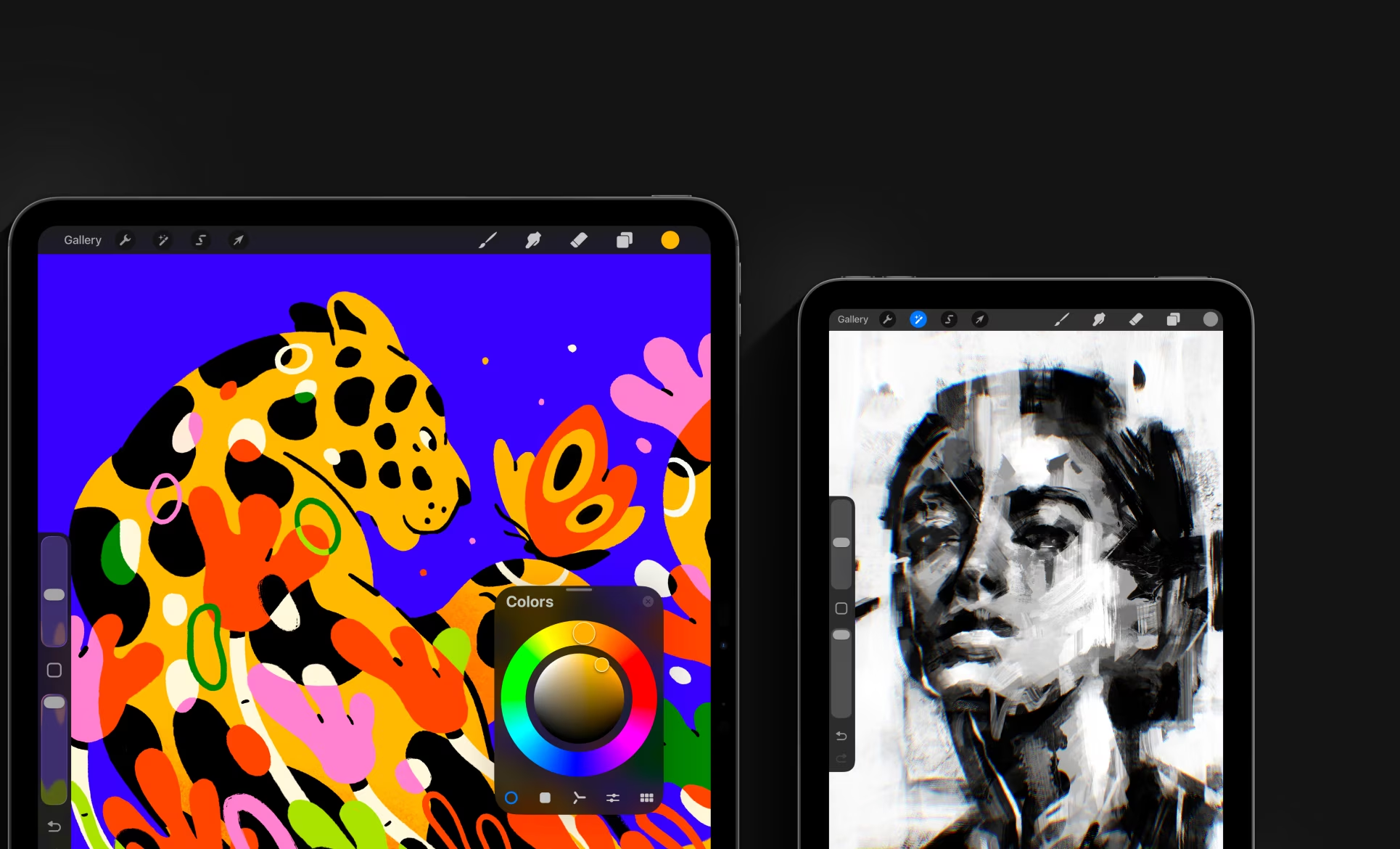
Procreate — iPad
The most popular tool for digital illustration. Made for iPad + Apple Pencil—and it shows in every stroke. Pressure sensitivity, natural line fluidity. 200+ individual brushes, layers, masks, and layers (no other program offers such a set for free). A time recording feature (time-lapse) helps you understand your process. One-time purchase (~$12 USD), no subscription.
For whom: illustrators, concept artists, animators, and anyone who wants a full experience through iPad.
A playlist of lessons on YouTube in English.
Adobe Fresco — iPad / Windows
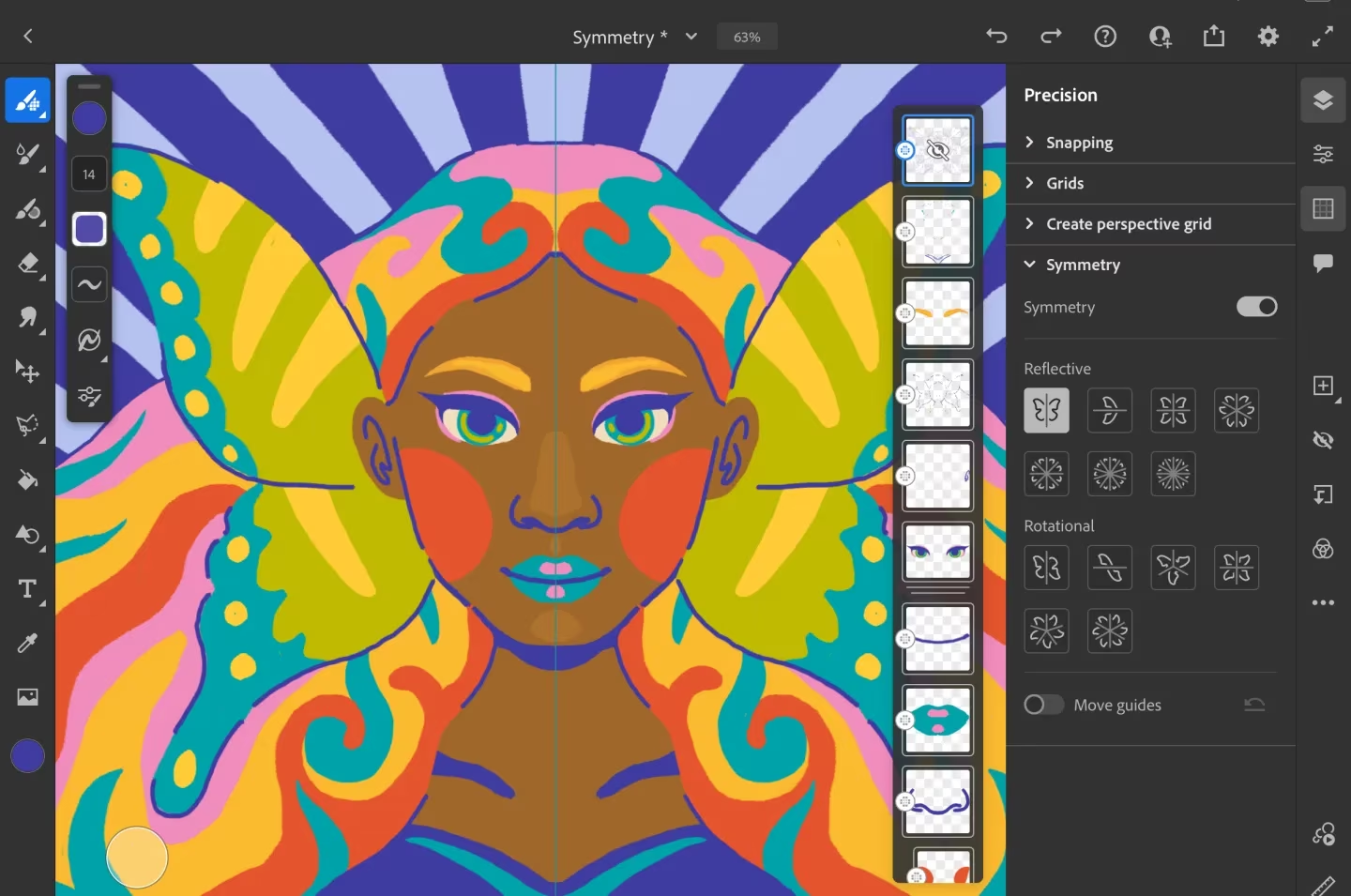
Combines vector and raster brushes in one app. The main feature is live brushes: oil and watercolor actually spread on the screen—this isn’t a filter, it’s the physics of materials. Integration with Adobe Creative Cloud: sketches move to Photoshop and Illustrator seamlessly. A free version is available; the pro version is through Creative Cloud.
For whom: those who already work in the Adobe ecosystem and want to find a digital equivalent of traditional drawing.
Concepts — iOS / Android / Windows
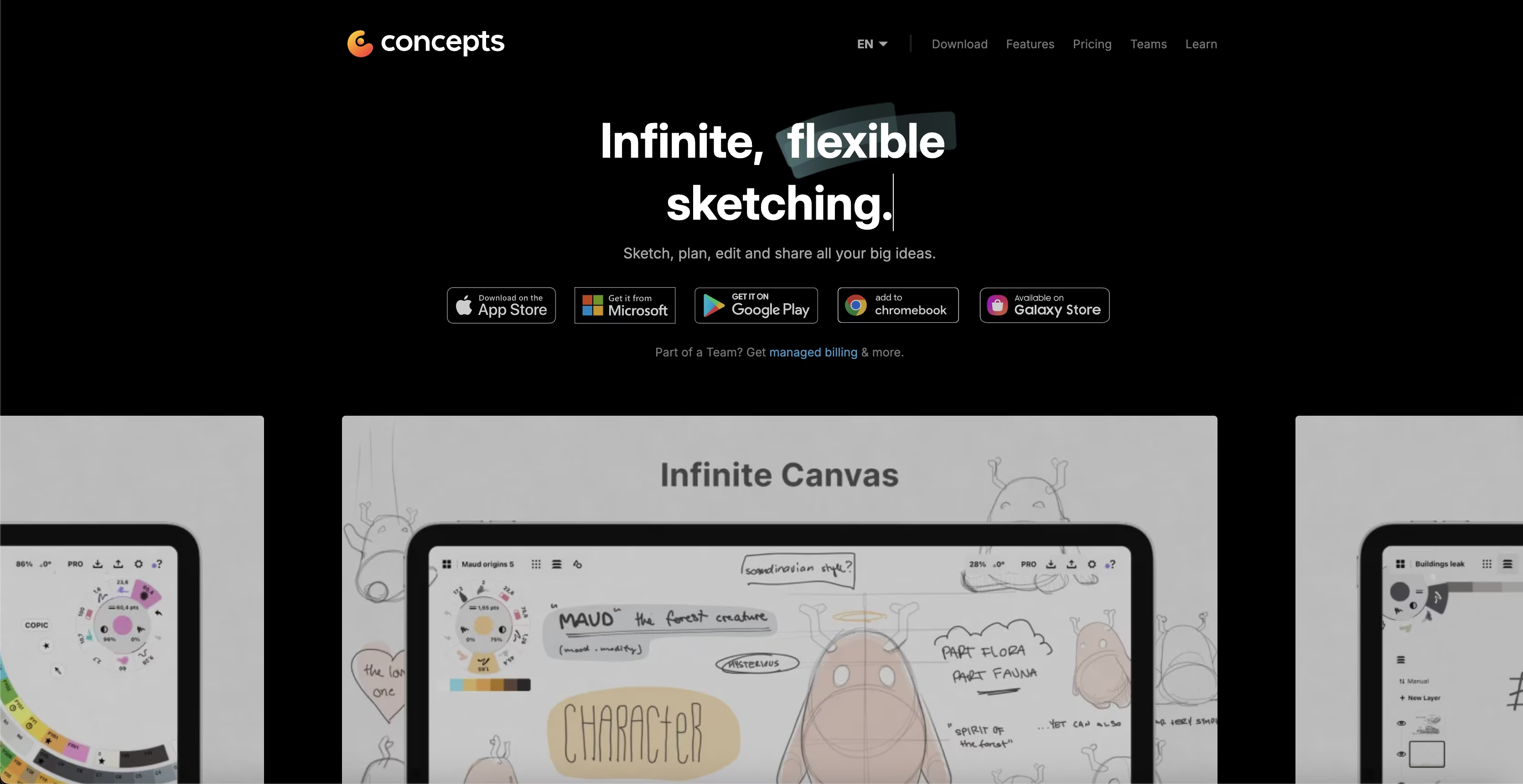
An infinitely scalable vector canvas: you zoom into any part and never lose details. Vector brushes are just as accurate. Perfect for architectural sketches, product design, and everything where precision matters. Supports Apple Pencil, Samsung S Pen, and other styluses.
For whom: architects, designers, and those who sketch with attention to proportions and accuracy.
Sketchbook — iOS / Android / Windows / Mac
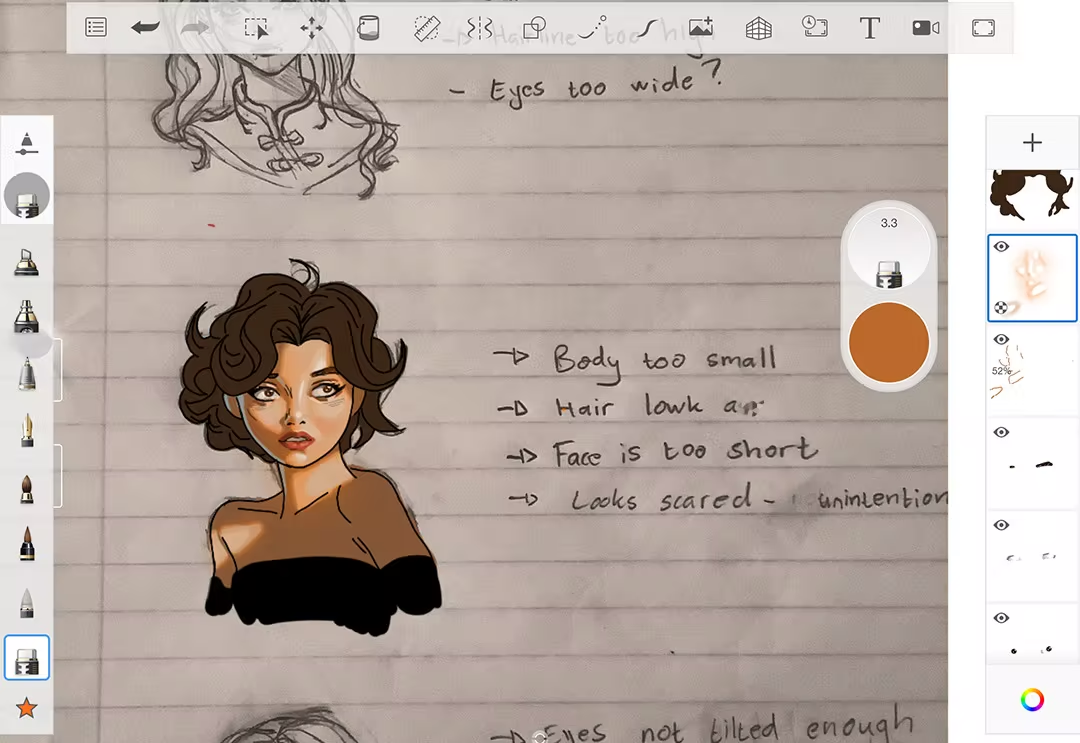
Formerly Autodesk Sketchbook—one of the most convenient apps for drawing. Today it’s free and available on all platforms. The interface is made for drawing, not for setting things up. Layers, layers with algorithmic refinement, transparency on the paper’s angles.
For whom: those who want a simple, easygoing tool that just lets you draw.
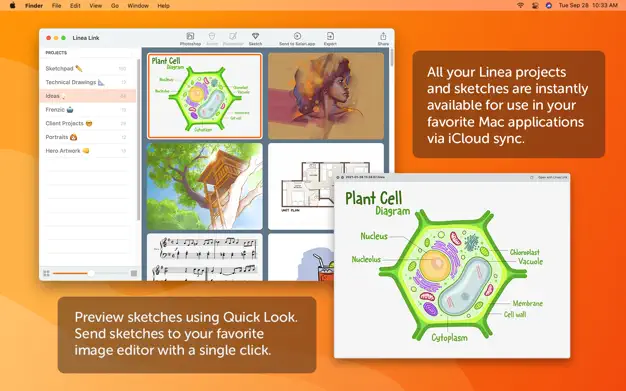
Linea Link — iOS
A very minimalist tool—five layers, transparency, nothing extra. Syncs with other iPad apps. Built for those who want something closer to the experience of notes, not Photoshop.
For whom: those who feel Procreate is too much and want something simpler.
Noteshelf / GoodNotes — iOS
Technically, these are note-taking apps, but many artists use them for quick sketches, ideas, and planning journals. Page splitting, organizing notes, layers as PDF backdrops. A good option if you want something between a work notebook and a digital tool.
For whom: those who keep visual notes and want everything organized in one place.
Comparison overview 1. Comparison overview 2.
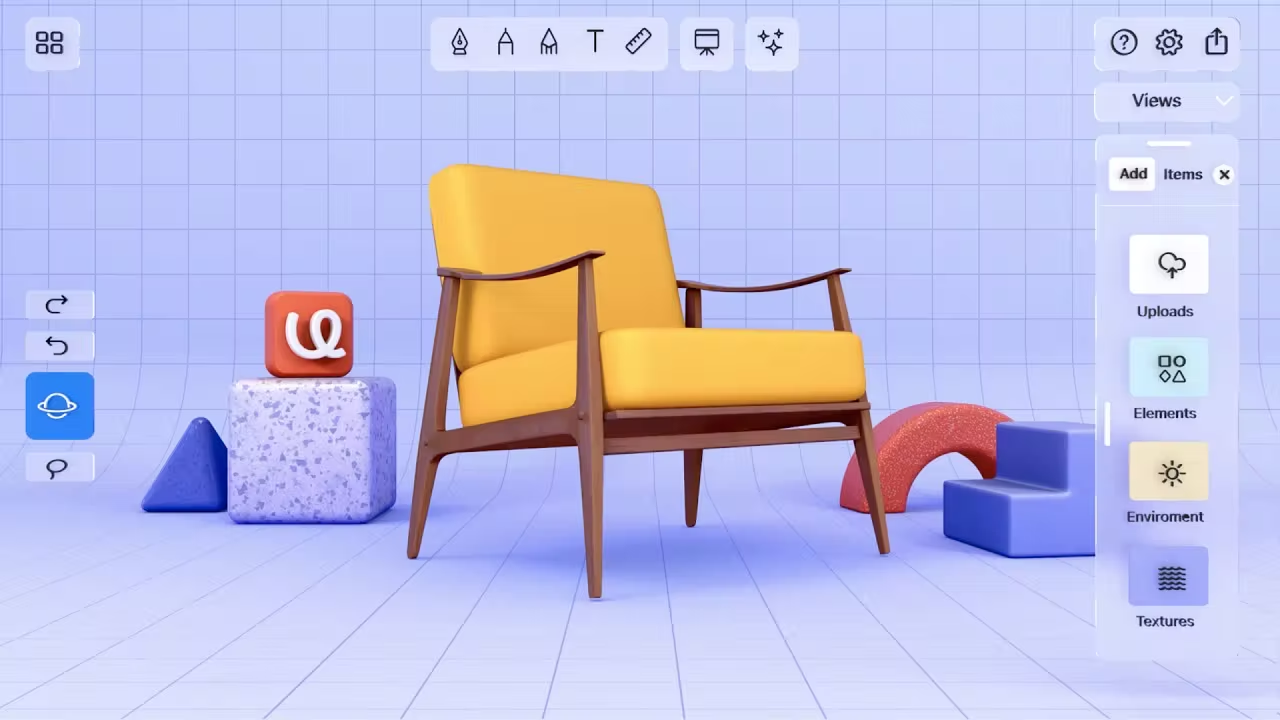
uMake — iOS
A light tool: 3D sketching on iPhone and iPad. Convenient for concepts (product, architecture, character) when you need to quickly build a form in space. It doesn’t replace Blender, but for rough form exploration before drawing, it’s very convenient.
For whom: for designers and those who want to dive into 3D.
A playlist of lessons on YouTube in English.
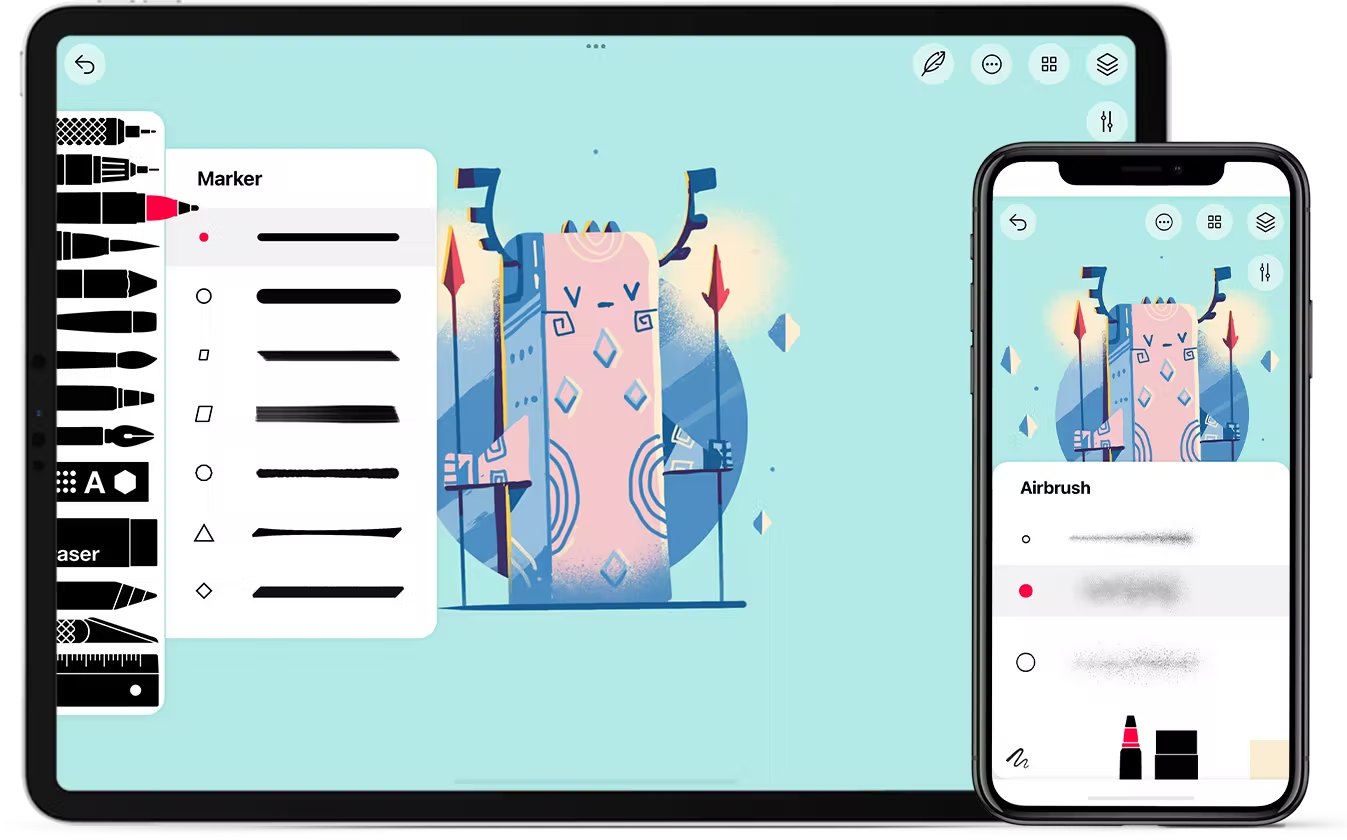
Tayasui Sketches — iOS
An app focused on the feeling of drawing. It does a great job imitating watercolor and oil brushes. The free version is available; the pro version is reasonably priced. Simpler and more pleasant than Procreate, so it’s often used for everyday sketches.
For whom: beginners and those who want to quickly draw something without extra settings.
A playlist of lessons on YouTube in English.
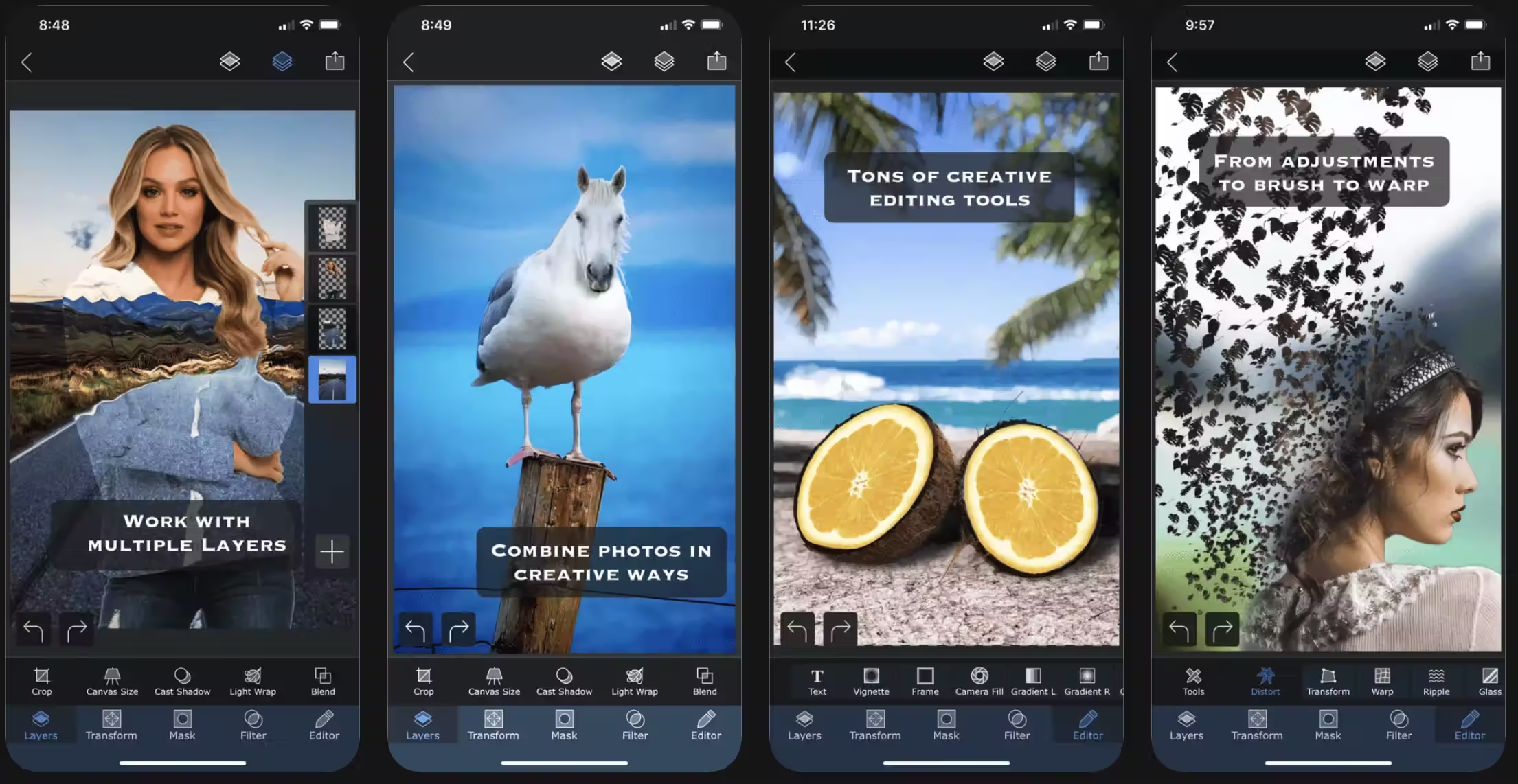
Superimpose X — iOS
A powerful tool for editing, masks, and compositing. Useful for those who combine photos and drawings and create mixed media.
For whom: for experiments with visual layers.
Adobe Illustrator on iPad — iOS
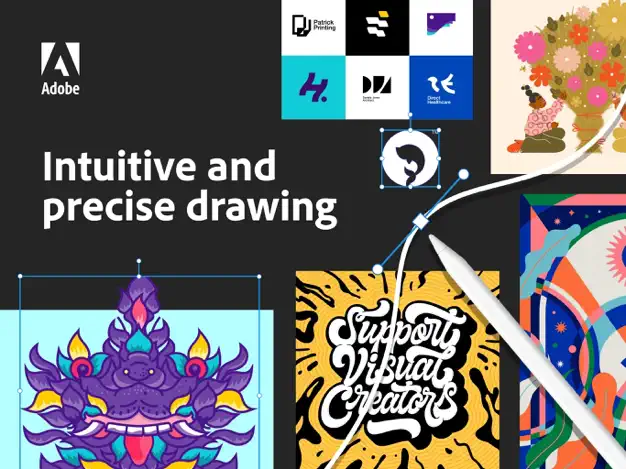
Illustrator on a tablet is already a reality. Convenient for vector illustration, logos, and icons. Integrates with Desktop. Requires Creative Cloud.
For whom: graphic designers, and those who work with vectors.
Paper by WeTransfer — iOS
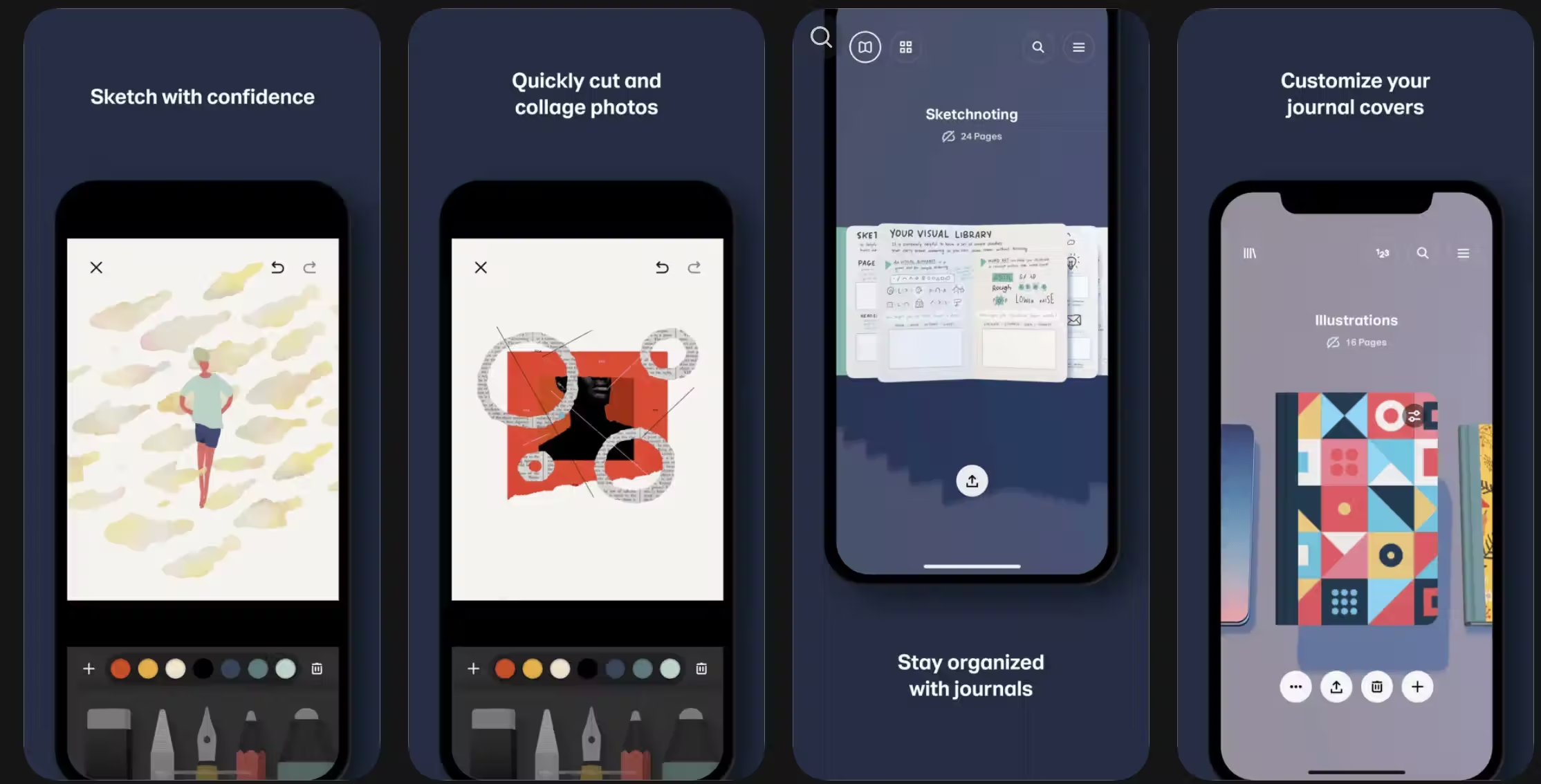
One of the best tools for minimalist sketches, ideas, and notes. Bright interface, pleasant layers and brushes, and note organization in “books”.
For whom: minimalist idea notes anytime.
Pixelmator Pro — Mac / iOS
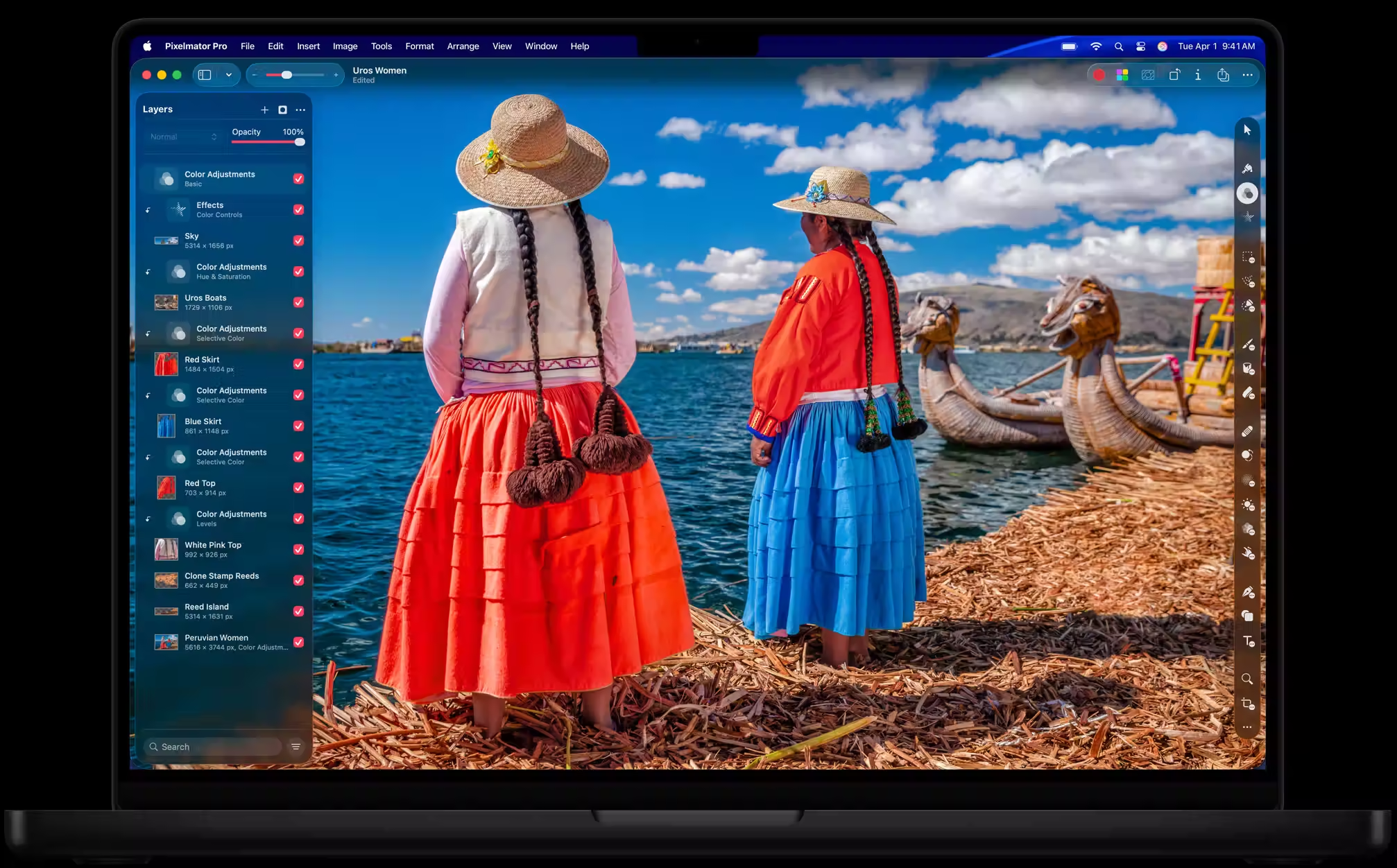
A powerful image editor for Mac and iPad, with artistic drawing capabilities. ML tools for photo processing.
For whom: those looking for a Photoshop alternative for Mac.
Digital and paper: not a choice, but a combination
We note that this kind of interaction works best: quick sketches in the app, and anything worth saving—in a sketchbook. Digital tools don’t make you more productive—they give you more tools for your work. And the work is your business.
| Service | Platform | Price (approx.) | Popularity / Specialization |
| Procreate | iPad | $12.99 (one-time) | ⭐⭐⭐⭐⭐ / The golden standard for illustrators |
| Adobe Fresco | iPad, Windows | Free (basic) / CC | ⭐⭐⭐⭐ / Best imitation of “live” paints |
| Concepts | iOS, Android, Win | Free / $39.99 | ⭐⭐⭐⭐ / Infinite vector canvas |
| Sketchbook | All platforms | $19.99 (Pro version) | ⭐⭐⭐⭐ / Simple, “clean” interface |
| Linea Sketch | iOS | $0.99/month or $29.99 | ⭐⭐⭐ / Minimalism for quick notes |
| GoodNotes 6 | iOS, Android, Win | $9.99/year or $29.99 | ⭐⭐⭐⭐⭐ / Visual notes and planners |
| uMake | iOS | $12.99/month or $95/year | ⭐⭐⭐ / Fast 3D sketching |
| Tayasui Sketches | iOS, Mac, Android | $5.99 (Pro version) | ⭐⭐⭐ / Zen drawing, pleasant sounds |
| Superimpose X | iOS | $4.99 (one-time) | ⭐⭐⭐ / Photo collages and mixed media |
| Adobe Illustrator | iPad, PC | $20.99/month (subscription) | ⭐⭐⭐⭐ / Professional vector graphics |
| Paper | iOS | $11.99/year (Pro) | ⭐⭐⭐⭐ / Creative journal, ideas |
| Pixelmator Pro | Mac, iPad | $49.99 (one-time) | ⭐⭐⭐⭐ / A Photoshop alternative with AI |
| Sketchbook by Manuscript | Paper | from 250 to 600 UAH |